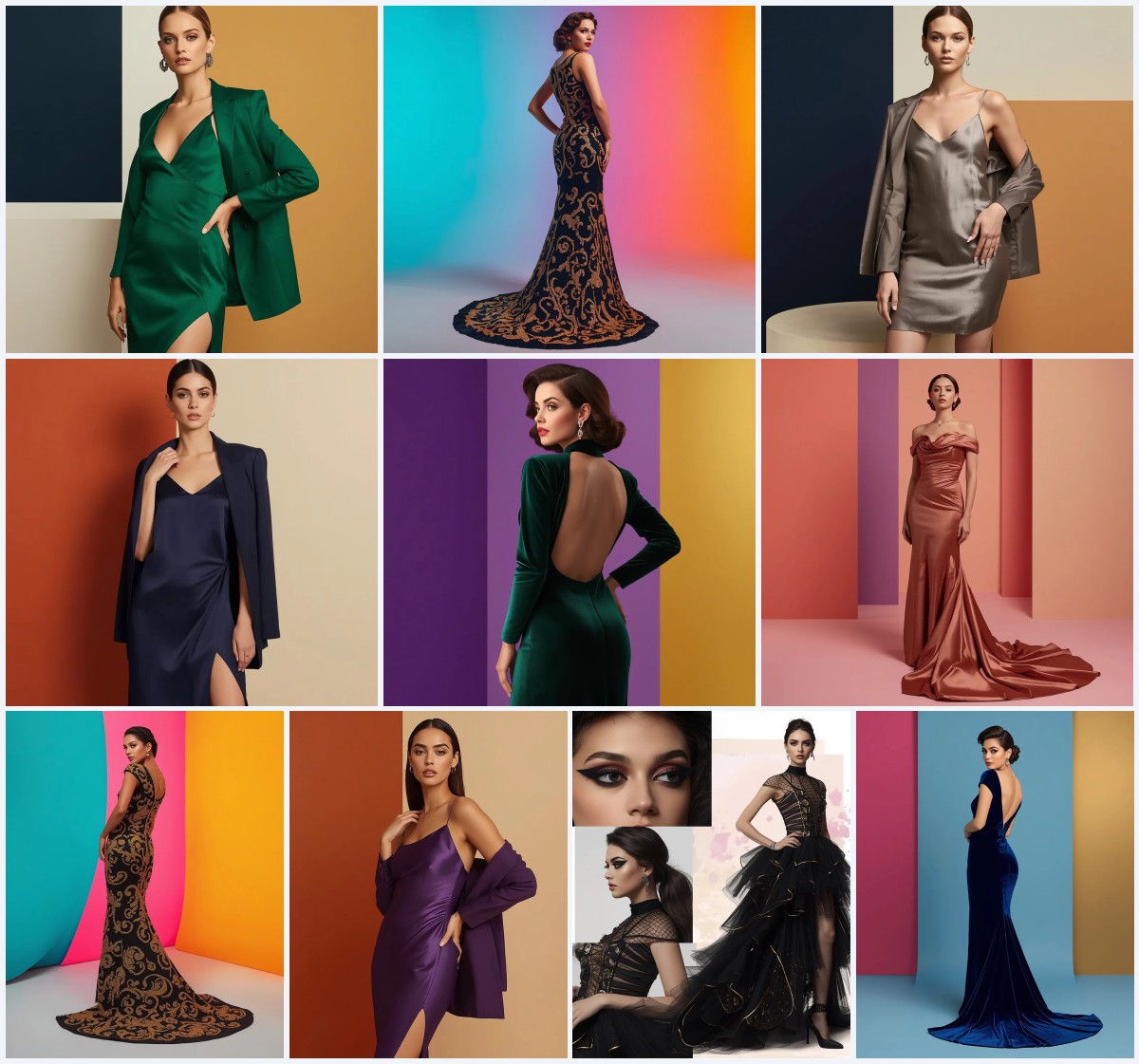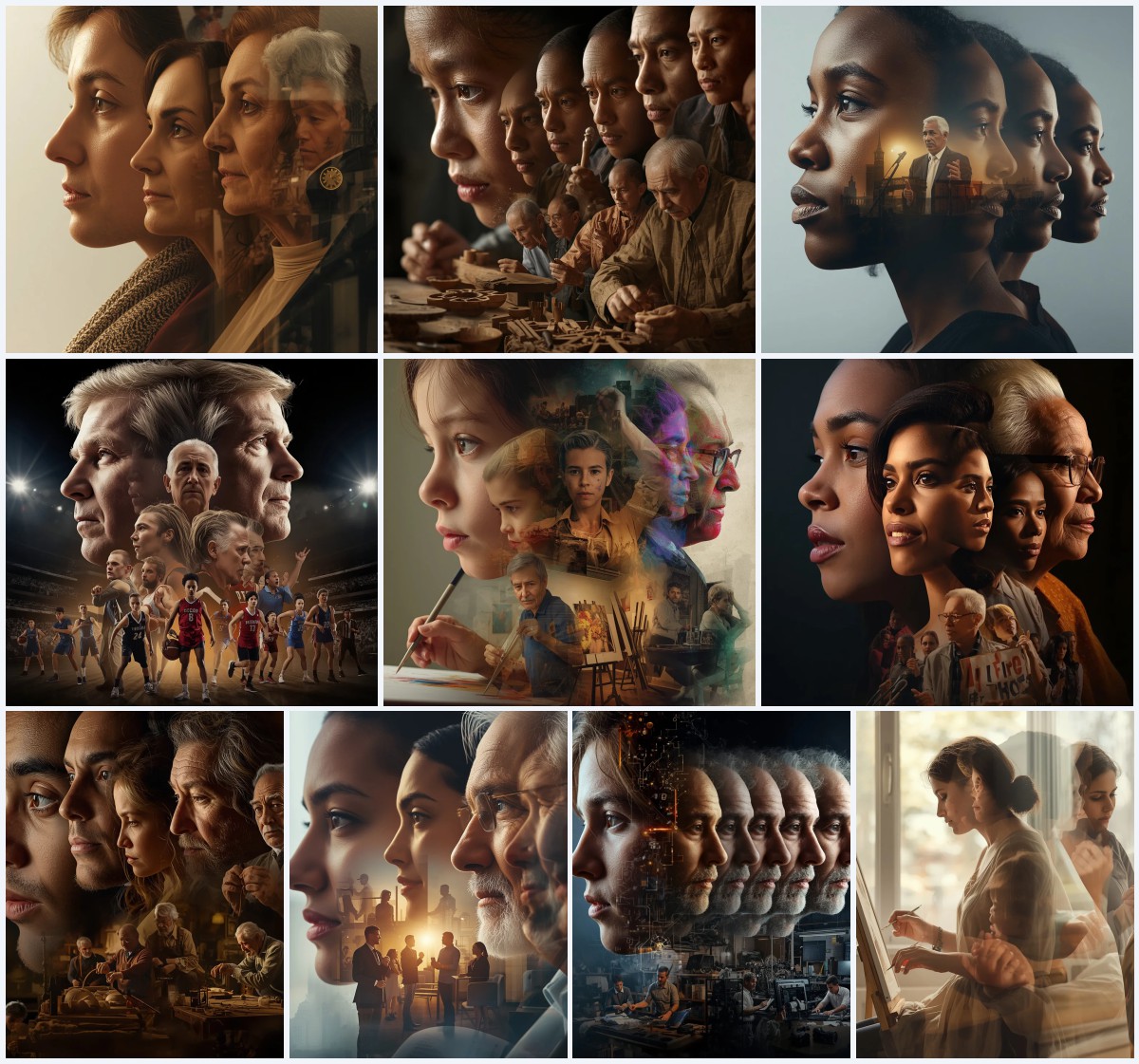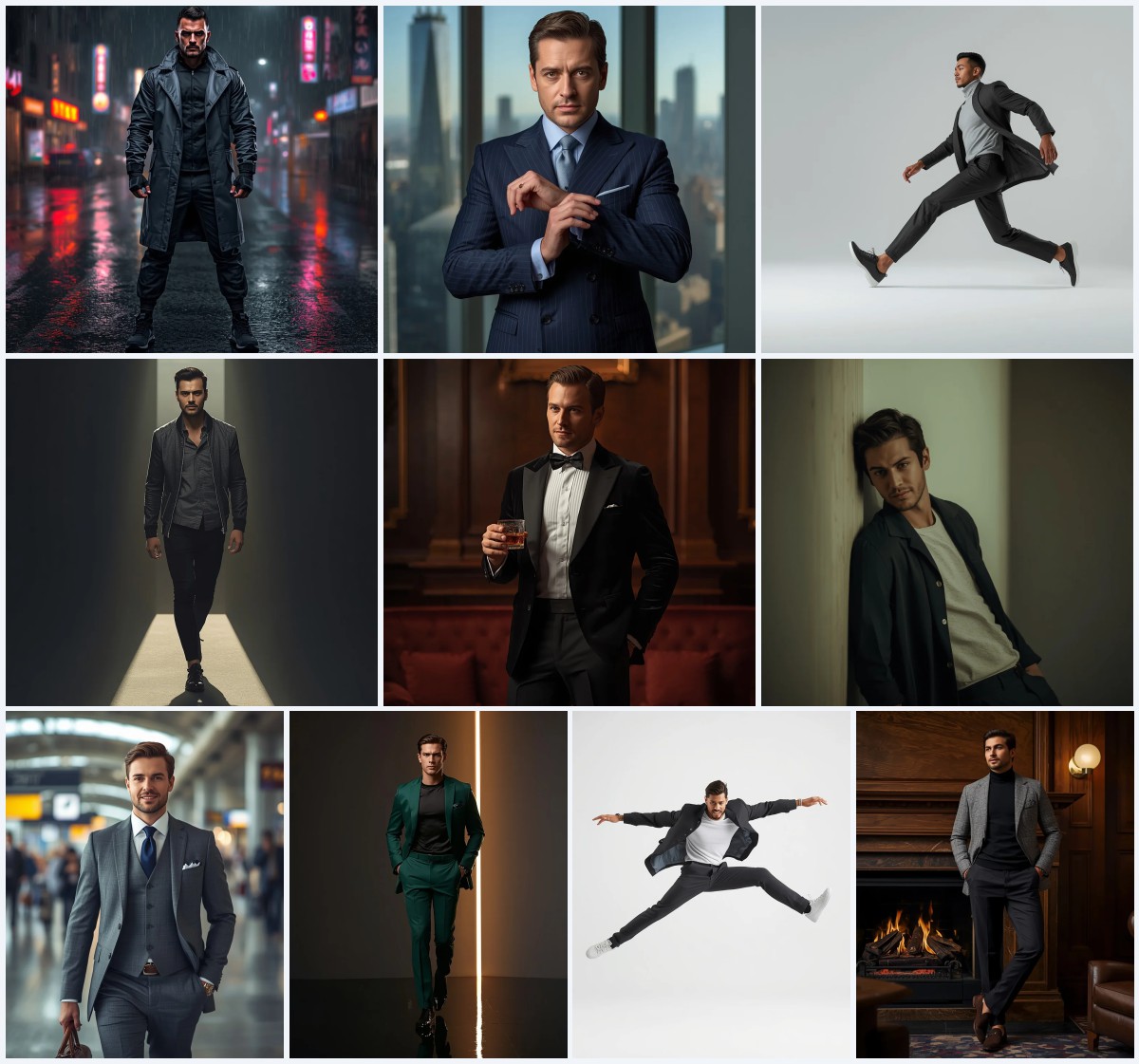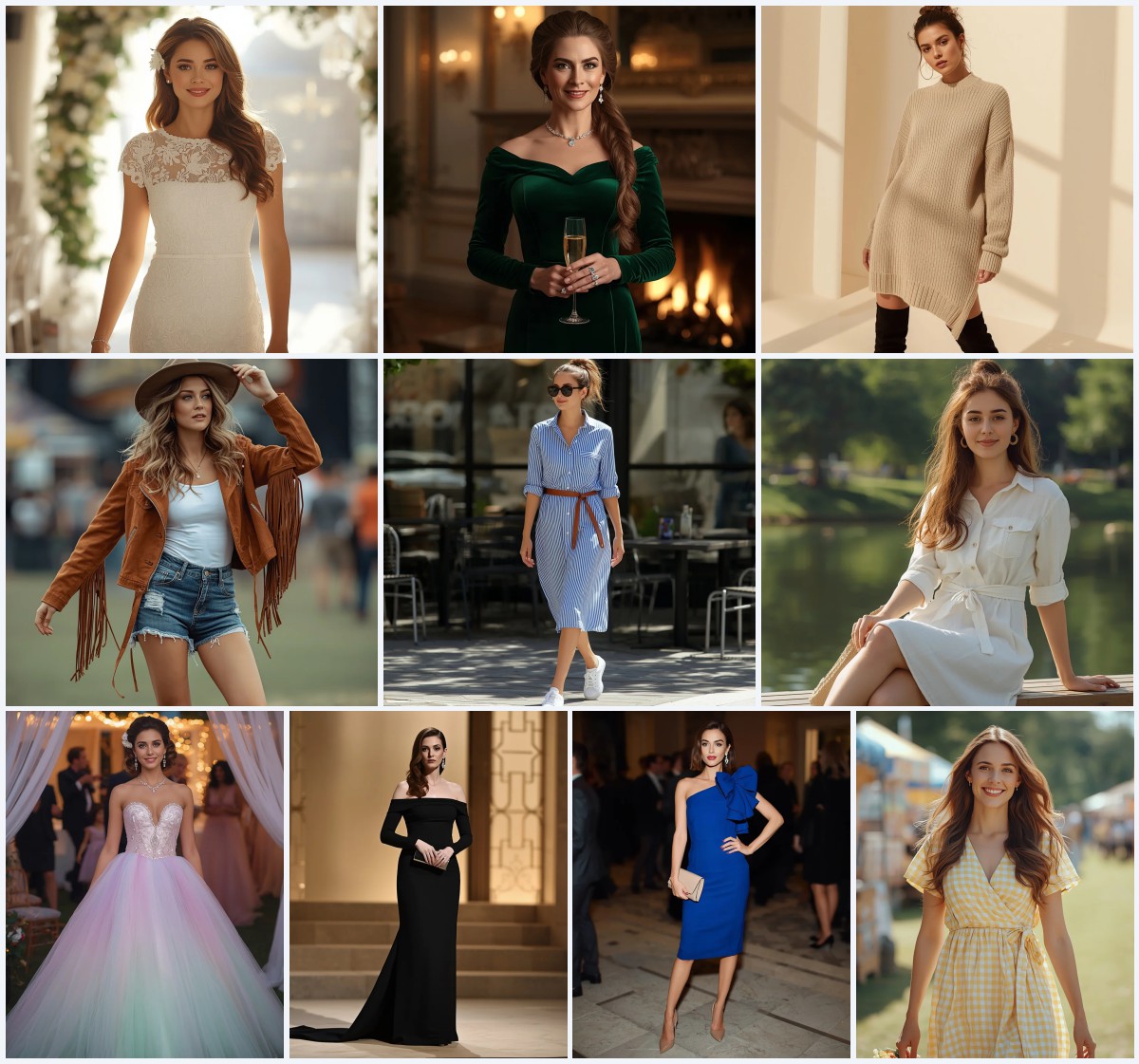


Best 10 Blue Saree AI Prompts for Serene and Elegant Aesthetics
Blue sarees carry a quiet power that shifts effortlessly between boardroom confidence and bridal grace, and this collection of ten prompts captures that full spectrum. From a crisp pastel corporate drape to a midnight fusion gown framed by gothic ironwork, each scene uses colour and texture to build a distinct mood without losing the thread of Indian elegance.
What makes these prompts worth your time is how precisely they describe fabric, light, and pose so the AI can deliver images that feel editorial, not generic. Whether you need a radiant full-body stroll in a butter-yellow courtyard or a close-up meditation portrait with silver embroidery, the details here give you a strong starting point for serene, high-impact pictures.
What this blue saree prompt collection is asking for
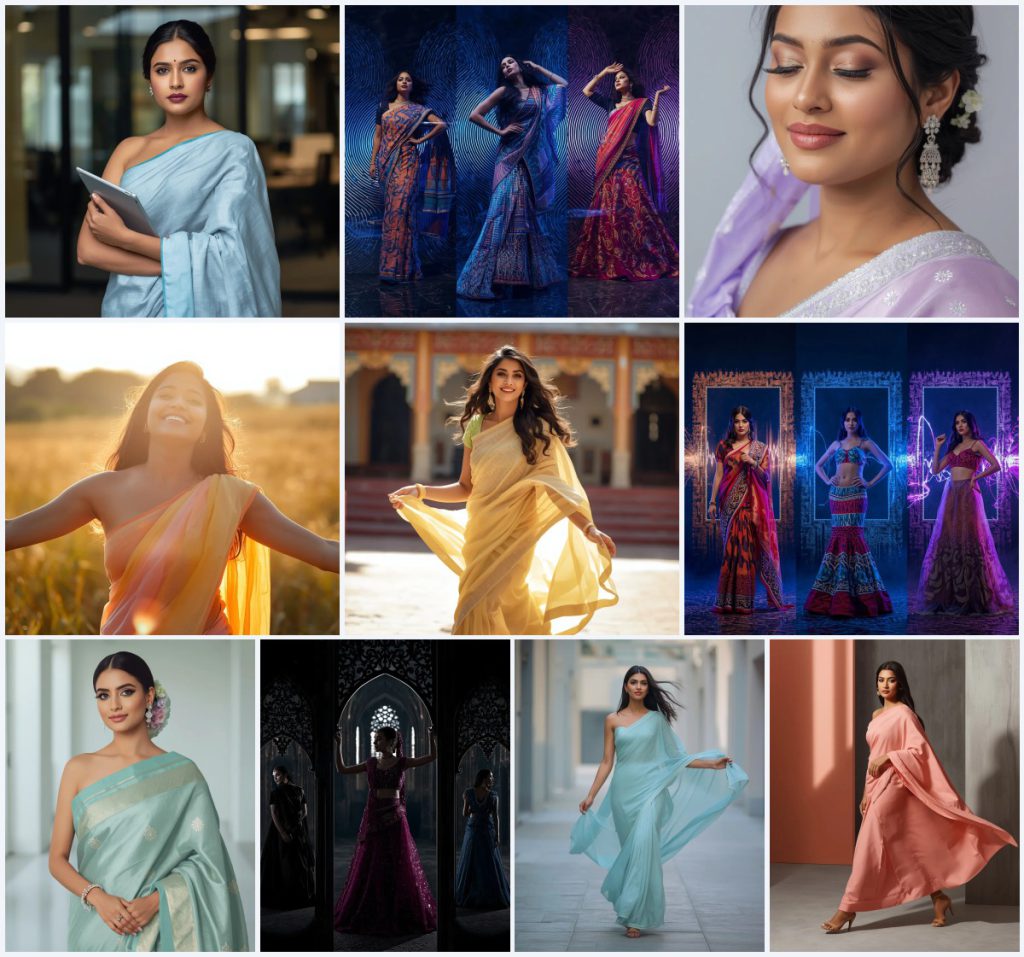
The ten prompts share a focus on Indian women in sarees and festive silks, but each one pushes a different visual narrative through specific fabric choices, lighting conditions, and framing. They ask the AI to render everything from a professional office portrait with a tablet to an abstract soundwave collage where electric blue lighting hits kinetic prints, so the generator must balance realism with stylised energy depending on the card you pick.
- Pastel corporate blue linen saree with a structured drape and a tablet in hand
- Soundwave ripple frames and electric blue volumetric lighting around kinetic-print silks
- Lavender silk saree with delicate silver embroidery in a dreamy close-up
- Pastel orange and yellow ombre chiffon saree catching golden-hour sunlight in a meadow
- Butter-yellow silk saree with a flowing pallu trailing through a traditional courtyard
- Aqua blue Banarasi saree with minimalist gold motifs and contemporary diamond jewellery
The visual world these prompts build
The settings range from a modern office where "soft, professional studio lighting" falls on "blurred glass partitions and minimalist decor" to a dark abstract energy void where "harsh, electric blue and purple lighting with volumetric energy effects" turns soundwave patterns into a living backdrop. Each prompt names the exact light source and background blur so the AI knows whether to aim for aspirational polish or intense, graphic motion.
Poses are equally deliberate. One card describes "arms casually crossed, a tablet in one hand, looking directly at the camera with an assured, intelligent gaze," while the courtyard stroll captures "one hand elegantly holding the pallu as it trails behind her, while the other swings gently." These physical cues, paired with fabric details like "a black velvet saree with subtle silver embroidery" or "a pastel coral-pink crepe saree," anchor the scene in a specific moment rather than a vague idea of beauty.
Why this collection works for serene and elegant images
The prompts succeed because they treat the saree as a storytelling tool, not just a garment, using colour temperature, fabric weight, and drape movement to define the subject's personality and the image's emotional register. By pairing precise material language with controlled lighting, they guide the AI toward cohesive, high-end results that feel intentional rather than random.
- The pastel blue and lavender tones naturally read as serene, so the AI leans into soft highlights and calm expressions without extra prompting.
- Specific fabric names like chiffon, crepe, and Banarasi silk tell the renderer how light should behave, whether it needs to flow, shimmer, or hold a crisp fold.
- Each prompt includes a clear gaze or gesture, such as a genuine smile with outstretched arms or a poised, serene expression, which gives the image a strong focal point and emotional clarity.
Three style directions already inside these prompts
The collection naturally falls into three visual styles without needing external modifications. The first is polished editorial realism, visible in the office portrait and the bridal aqua Banarasi shot, where clean architectural backgrounds and diffused natural light create a magazine-ready finish. The second is ethereal soft-focus portraiture, seen in the dreamy close-up and the radiant meadow image, where pearlescent skin and gentle backlighting produce a spiritual, wellness-brand warmth. The third is abstract high-energy collage, where soundwave frames and gothic ironwork silhouettes push the image into graphic, fashion-forward territory with harsh lighting and strong contrast.
- Polished editorial realism: The office portrait and modern bridal charm prompts use studio lighting and minimalist decor to achieve a crisp, professional look that suits corporate or luxury branding.
- Ethereal soft-focus portraiture: The dreamy close-up and radiant smile prompts rely on pearlescent glow and golden-hour light to create serene, angelic images ideal for wellness or spiritual concepts.
- Abstract high-energy collage: The soundwave spectrum and gothic ironwork prompts build graphic, motion-heavy compositions with electric hues and dramatic silhouettes for a bold, artistic effect.
How to generate images with these blue saree prompts
Start by selecting one card from the collection that matches the mood you want, then copy its full text exactly as written to preserve the fabric, lighting, and pose details the AI needs. If your tool supports reference images, upload a photo that matches the described framing and skin tone to improve consistency, then run the generation and carefully inspect the output for common AI mistakes before refining.
- Copy the prompt text. Choose the card you want, for example the Confident Professional or the Elegant Walk, and copy the entire description without altering the fabric names or lighting terms.
- Upload a reference photo. Use a clear portrait or full-body shot that matches the pose and framing described, such as a woman with a sleek blow-out for the office prompt, to guide the AI's proportions.
- Generate the image. Paste the prompt into your chosen tool and run it at high resolution, keeping the original wording intact so the AI renders the specific saree drape and background blur.
- Check the hands and fingers. Look for extra or fused fingers, especially in poses where hands hold a tablet, clutch, or pallu, and regenerate if the digits look unnatural.
- Inspect the face and eyes. Verify that the gaze direction matches the prompt, whether it is a direct assured look or gently closed eyes, and that the makeup details like winged liner are present.
- Examine the saree drape and fabric. Confirm that the pallu flows correctly, the fabric texture reads as linen, chiffon, or silk as specified, and the embroidery or motifs appear without distortion.
Choosing a reference photo for these prompts
A well-chosen reference photo helps the AI lock onto the correct skin tone, body proportions, and fabric fall, especially when the prompt describes a specific drape like a Banarasi saree or a flowing chiffon pallu. The reference does not need to match the outfit; it just needs to mirror the pose and lighting direction so the generator has a reliable structural base to work from.
- Pick a photo where the subject's pose closely matches the prompt, such as arms crossed with a tablet for the office shot or one hand holding a pallu for the courtyard walk.
- Ensure the lighting in the reference matches the described source, like soft studio light or golden-hour sunlight, so the AI blends the new saree into a consistent scene.
- Use a reference with clean, visible hands and a clear facial expression to reduce the chance of AI artifacts in those critical areas during generation.
AI tools for generating these blue saree images
Different platforms handle fabric texture and lighting with varying levels of realism, so picking the right tool for the style you want makes a noticeable difference. The table below compares four popular options and explains how each one can serve the specific details found in this collection, from the linen weave of a corporate saree to the volumetric energy effects in an abstract collage.
| Tool | Access | Typical realism | Useful here for |
|---|---|---|---|
| ChatGPT | Built-in DALL·E for Plus users | Good, with a slight illustrative sheen | Rendering the pastel lavender silk saree's delicate silver embroidery in the dreamy close-up |
| Google Gemini | Free with Google account, Imagen integration | High photorealism for portraits | Capturing the assured, intelligent gaze and sleek blow-out in the confident professional office shot |
| Leonardo AI | Freemium web platform | Excellent for stylised and cinematic outputs | Building the gothic ironwork silhouette collage with dramatic backlighting and midnight blue fusion gown |
| Midjourney | Paid subscription via Discord | Very high, especially for texture and atmosphere | Producing the flowing pastel sky-blue chiffon saree's pallu movement in the elegant walk prompt |
Three practical tips for better blue saree results
Small adjustments to how you handle the prompt details can dramatically improve the final image, especially when the AI struggles with fabric realism or lighting consistency. These tips focus on the materials and objects named in the collection so you can troubleshoot directly within the scene.
- If the pastel corporate blue linen saree looks too shiny, add a quick negative prompt for satin or gloss to force the matte, structured finish that linen naturally has.
- When the aqua blue Banarasi saree's gold motifs blur into the fabric, increase the resolution and add a weighting term like (intricate gold motifs:1.2) to sharpen the pattern.
- For the soundwave ripple collages, describe the electric blue lighting as a separate element with high contrast so the AI separates the volumetric effects from the kinetic-print saree and avoids muddying the colours.
Common issues and how to fix them
Even with detailed prompts, AI image generators can misinterpret fabric behaviour, lighting, or cultural details, leading to results that feel off. The table below lists four frequent failures these specific prompts can produce and the exact changes to make in your prompt or settings.
| Issue | What to change |
|---|---|
| The chiffon saree pallu looks stiff instead of flowing | Add motion descriptors like 'wind-swept' or 'dynamic movement' and reduce fabric weight terms in the negative prompt |
| The office background overpowers the subject with sharp glass partitions | Strengthen the blur instruction by specifying 'shallow depth of field, bokeh background' and lower the background detail weight |
| The gothic ironwork collage loses the saree silhouette in dark shadows | Increase rim lighting and add 'subtle edge illumination on the midnight blue fusion gown' to separate the figure from the ironwork |
| The bridal aqua Banarasi saree renders with generic gold instead of minimalist motifs | Specify 'small, spaced gold buttis, not heavy zari' and use a higher CFG scale to enforce the pattern detail |
Frequently Asked Questions
Can I use these prompts to generate a series of images with the same model?
Yes, if you keep the facial description consistent across cards, such as using the same terms for skin glow, makeup, and hair styling, the AI will often produce a recognisable recurring subject even when the saree and background change.
Do the abstract soundwave and gothic collage prompts work for realistic portraits?
They are designed for stylised, graphic outputs with harsh lighting and framing elements, so they lean toward artistic rather than photorealistic results; for a realistic portrait, stick to the office, bridal, or courtyard prompts which use natural or studio light.
What if the AI mixes up the pastel shades and makes the saree too bright?
Add a colour refinement like 'muted pastel blue, desaturated tone' or 'soft lavender with low saturation' to the prompt, and use a negative prompt for neon or vibrant hues to keep the serene, elegant palette intact.
Conclusion
These ten blue saree prompts give you a versatile toolkit for creating images that range from serene bridal charm to bold abstract fashion, all anchored by precise fabric, lighting, and pose descriptions. By choosing the right card for your project and applying the tool-specific tips and fixes, you can consistently generate pictures that feel polished, intentional, and visually striking without endless trial and error.
Remember to work only with a reference photo you have the right to edit, so your final image stays both beautiful and legally sound.