

New 10 AI Art Prompts for Sci-Fi, Fantasy, and Surreal Digital Illustrations of Ethereal Cities
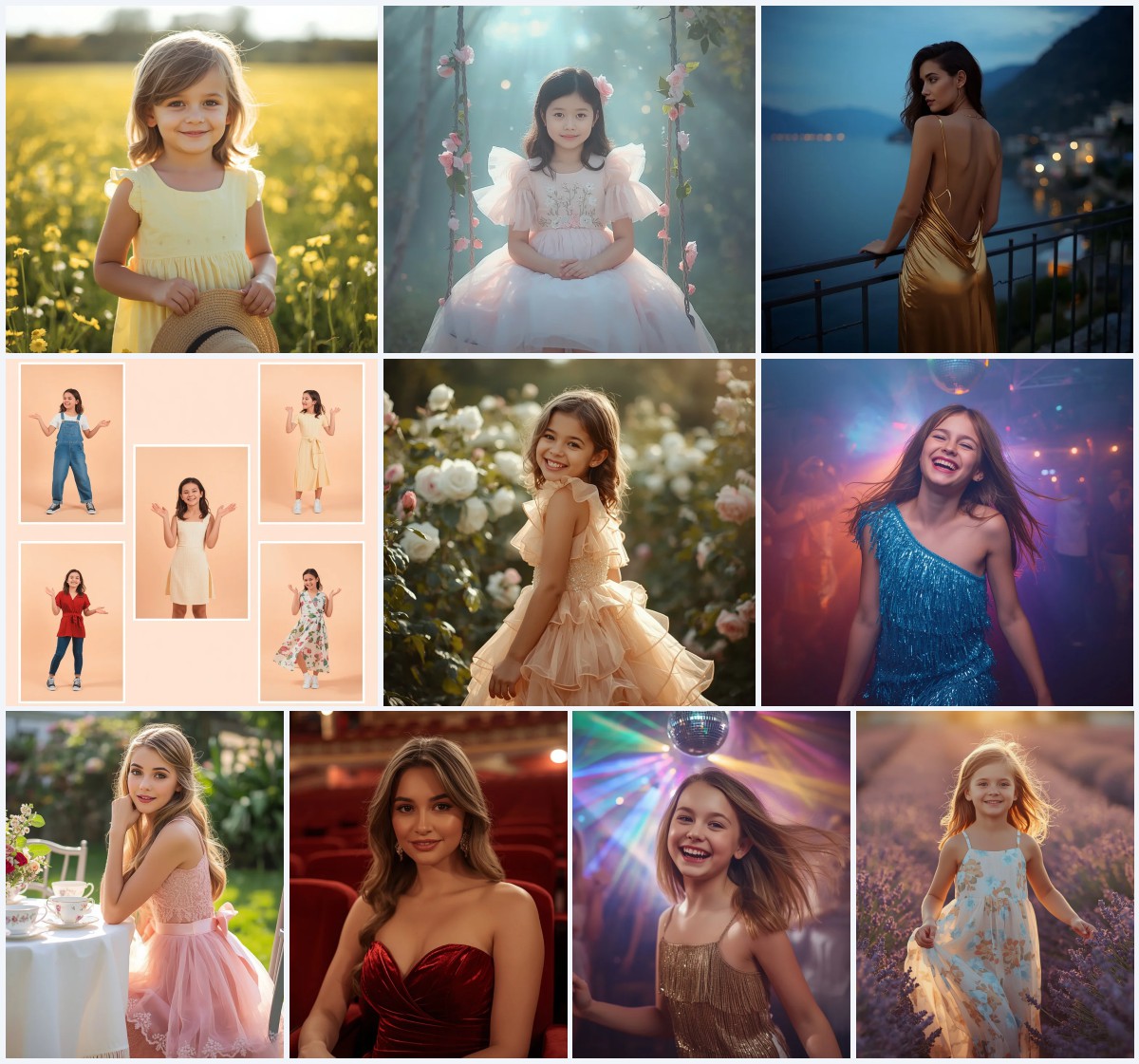
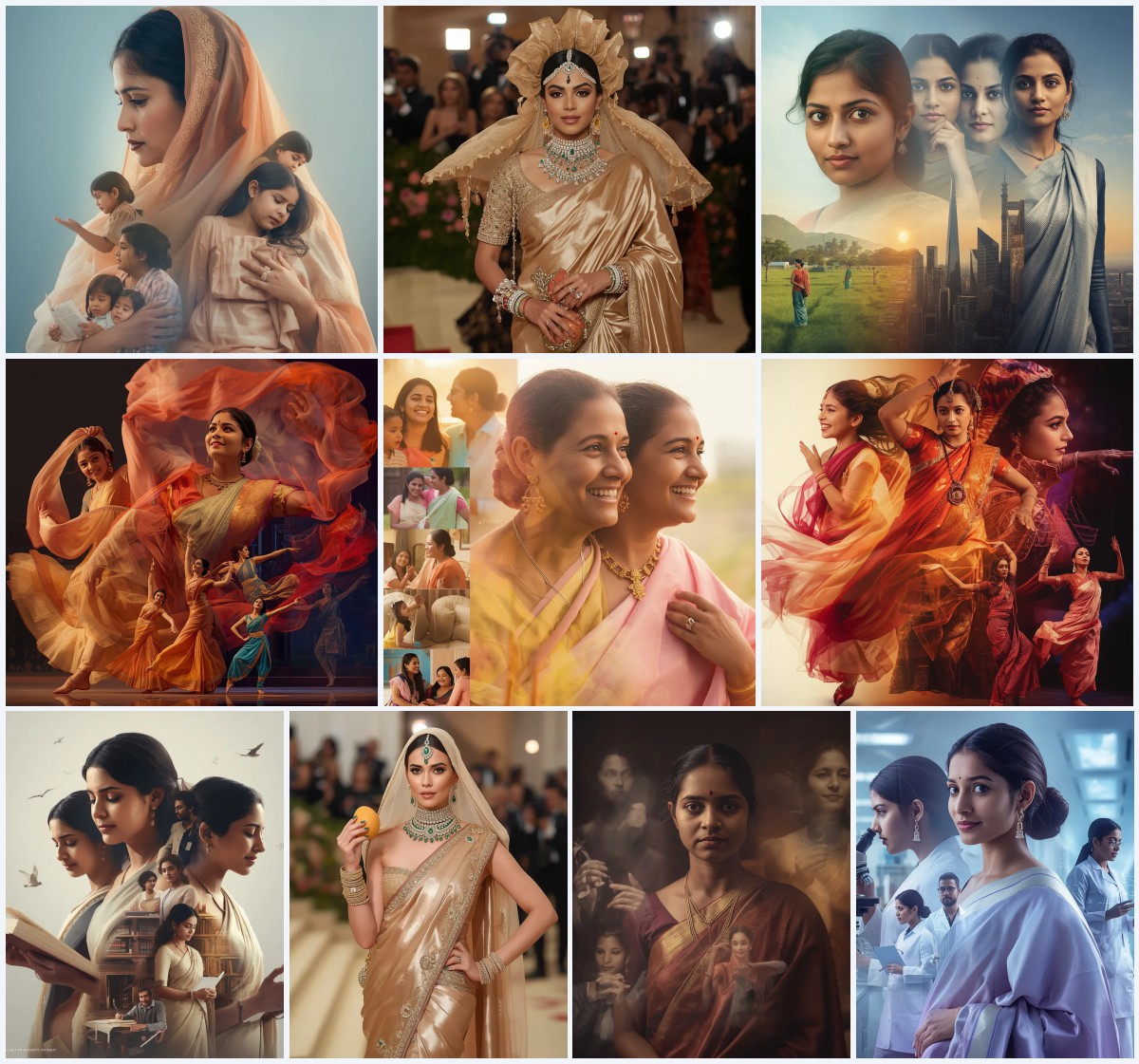
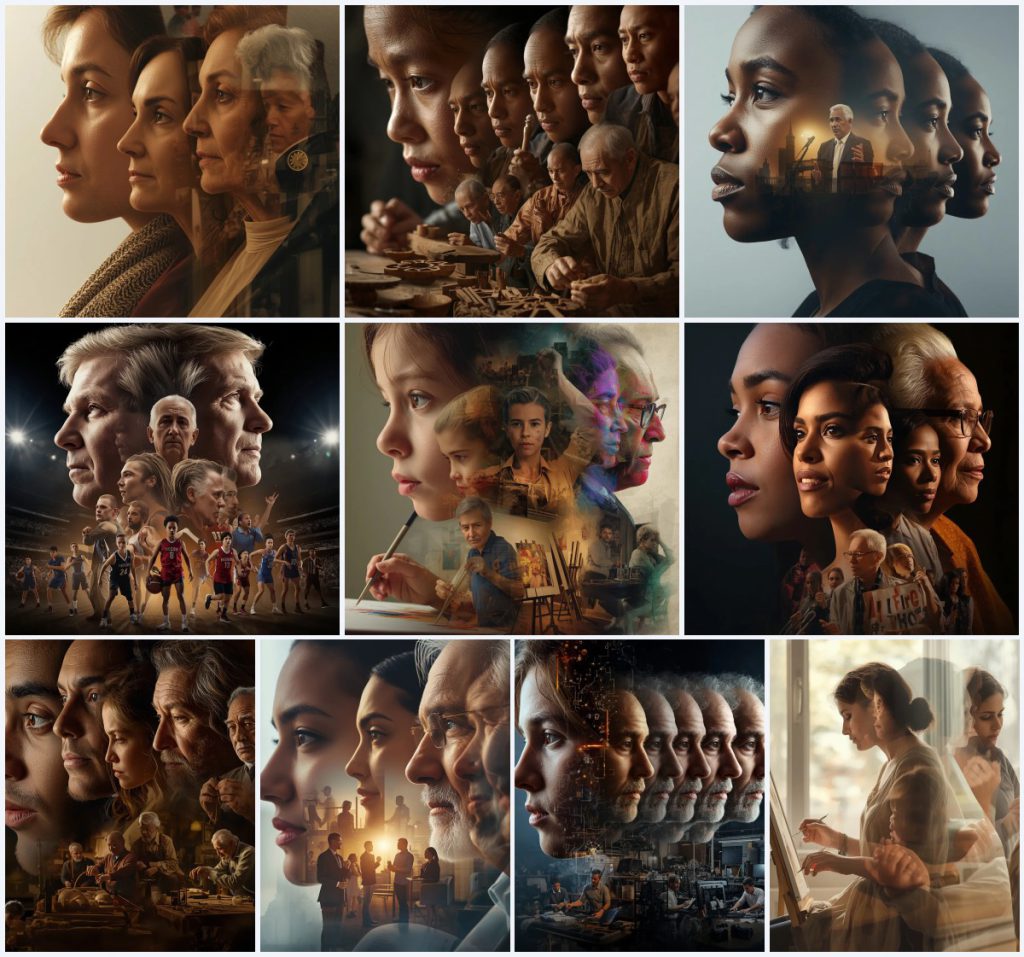
This collection gathers ten narrative timeline prompts that turn a single frame into a life story. Each prompt asks for multiple transparently overlapping versions of one person, so the image reads like a stack of moments rather than a frozen second. The titles range from A Philanthropist's Generous Heart to The Inventor's Ingenious Mind, and each one follows a similar visual grammar: a close-up face that ages, mid-composition scenes of work and struggle, and full-body poses placed in changing environments.
Although the collection is tagged for sci-fi, fantasy, and surreal digital illustrations of ethereal cities, the actual prompts lean toward grounded human journeys. The surreal quality comes from the time-overlap aesthetic, not from alien planets. You get soft glows, HDR detail, and 8K rendering instructions that push generators toward dreamlike clarity. The shared scene is a single composed frame where past and present share the same light.
What these narrative timeline prompts are asking for
Each prompt in this set describes one person's lifetime compressed into a single image. The generator is told to show a close-up face that evolves, mid-composition scenes of younger and older selves overlapping, and full-body poses that shift across settings. The result should feel emotional and detailed, with lighting that matches the subject's spirit, whether warm and inviting or bright and focused.
- A close-up face that ages from youth to elder within one frame
- Multiple transparently overlapping versions of the same person
- Mid-composition scenes of volunteering, teaching, building, or creating
- Full-body graceful offset poses in changing environments
- Evolving attire that shifts from casual to formal or from simple to refined
- Lighting described as soft, warm, bright, or dramatic depending on the prompt
The shared scene across the collection
Every prompt builds a single frame where time stacks. The philanthropist prompt asks for a face that "evolves from a compassionate young person sharing their lunch to a benevolent, impactful elder leading major charitable initiatives." The artisan prompt wants a child "playing with clay" overlapping with a master "meticulously carving wood." The inventor prompt shows a child "disassembling toys" beside a visionary "sketching complex designs." These are not separate panels. They are transparent layers sharing one composition.
The settings also shift inside the same image. Community centers sit beside international conferences. School gyms share space with professional arenas. Workshops fill with tools, circuits, and finished products. The prompts call for "graceful offset poses" and "dynamic poses" so the overlapping bodies do not collapse into a single silhouette. The light stays consistent enough to hold the layers together, described as "soft natural light through a large window" or "bright, focused task lighting."
Why this timeline approach works
A single portrait shows who someone is. A timeline portrait shows who they became. That difference gives these prompts their emotional pull. They work because they turn a static image into a narrative, because the transparency effect creates depth without needing a collage grid, and because the aging face gives the viewer an anchor while the rest of the frame shifts around it.
- The overlapping versions create a sense of memory and passage of time in one glance
- The close-up face anchors the composition even as bodies and settings multiply
- The prompt structure is reusable across professions, so one template yields many stories
Three styles living inside this prompt
This collection supports three distinct visual styles, and all three stay inside the prompt's own language. You do not need to add outside references. The prompt already names the lighting, the overlap, and the emotional register, so each style is a matter of emphasis rather than invention.
- Time-overlap aesthetic: The prompt explicitly asks for a "time overlap aesthetic," so this style leans into transparently stacked versions of the same person sharing one frame.
- HDR realism: The instruction for "HDR, 8K, time overlap aesthetic" pushes toward high-dynamic-range detail where skin, fabric, and tools all read with equal clarity.
- Emotional documentary: Phrases like "extremely emotional and detailed" and "deeply moving narrative" call for a documentary warmth rather than a cold studio look.
How to run one of these prompts
Pick one title from the collection, copy its full prompt text, and paste it into your generator. If you want a specific person, upload a reference photo before generating. Then generate a few variations, and inspect the results for the failures these prompts tend to produce: hands that merge across overlapping bodies, faces that blur where versions intersect, and the main object, whether clay, wood, a protest sign, or a prototype, losing its shape.
- Choose one title. Select a single prompt from the ten, such as The Artisan's Enduring Legacy or The Inventor's Ingenious Mind.
- Copy the prompt. Copy the full prompt text exactly, including the lighting and quality tags at the end.
- Upload a reference. If you want a real likeness, upload a clear reference photo and let the generator use it as a face guide.
- Generate variations. Run at least four generations, because the overlap effect is unstable and each seed produces a different stack.
- Check hands and face. Zoom in on every hand and on the close-up face, since overlapping versions often fuse fingers or smear features.
- Check the main object. Verify that the central prop, such as clay, a sign, or a prototype, still reads clearly inside the overlap.
Using a reference photo with these prompts
A reference photo helps the generator keep the same face across all the overlapping versions. Without one, the younger and older selves may look like unrelated people. The prompt asks for one face evolving over time, so the reference should show the subject clearly and evenly lit.
- Use a front-facing photo with even lighting so the generator can age the face consistently
- Avoid heavy shadows or extreme angles, which make the overlapping versions drift apart
- Keep the background simple so the generator does not copy it into the final scene
Which tools handle this prompt best
Different generators interpret the overlap instruction differently. Some produce clean transparency layers, and others flatten the versions into a blur. The table below compares four common tools against the needs of this specific collection, where the key challenge is keeping one face readable through multiple transparent layers.
| Tool | Access | Typical realism | Useful here for |
|---|---|---|---|
| ChatGPT | Free and paid tiers | Moderate to high | Rewriting the prompt into shorter clauses so the overlapping versions stay distinct |
| Google Gemini | Free and paid tiers | Moderate | Describing the evolving attire, such as the philanthropist's understated yet elegant clothing |
| Leonardo AI | Free credits and paid plans | High | Rendering the HDR, 8K time-overlap aesthetic with strong material texture |
| Midjourney | Paid subscription | Very high | Handling the close-up face that evolves from a curious child to a masterful elder |
Tips for cleaner timeline images
The overlap effect is the hardest part of these prompts, so most tips focus on keeping layers readable. Small wording changes in your generation settings can make the difference between a dreamlike stack and a muddy blur.
- Mention the main prop explicitly, such as clay for the artisan or a protest sign for the activist, so it survives the overlap
- Keep the lighting clause from the prompt, because words like soft natural light or bright focused task lighting hold the layers together
- Generate at a square or portrait ratio, since the full-body offset poses need vertical room to avoid cropping
Common failures and how to fix them
These prompts can fail in predictable ways. The transparency instruction is the main source of trouble, because generators often merge overlapping bodies into one distorted figure. Below are four failures this collection actually produces and the changes that help.
| Issue | What to change |
|---|---|
| Overlapping versions merge into one body | Reduce the number of versions in the prompt and increase spacing language like offset poses |
| Close-up face loses the age progression | Strengthen the age wording, naming both the young and elder stages explicitly |
| Hands fuse across transparent layers | Lower the overlap count and add a clause asking for clear, separate hands |
| Main object, such as clay or a prototype, becomes unrecognizable | Name the object earlier in the prompt and repeat it in the mid-composition description |
Frequently Asked Questions
Can I use these prompts for sci-fi or fantasy scenes instead of realistic life stories?
Yes. The collection is tagged for sci-fi, fantasy, and surreal digital illustrations of ethereal cities, and the time-overlap structure transfers well. Swap the professions for fictional roles and keep the overlapping versions and lighting clauses intact.
Do I need a reference photo for the close-up face to age correctly?
It helps a lot. Without a reference, the younger and older versions may look like different people. A clear, evenly lit front-facing photo gives the generator a consistent face to age across the layers.
Why do my results look like a blurry collage instead of a transparent timeline?
The prompt asks for transparently overlapping versions, but generators often flatten them. Reduce the number of versions, keep the offset pose language, and generate several seeds before judging the result.
Conclusion
This collection works best when you treat each prompt as a storyboard for one frame. Pick a title, copy the prompt, and let the overlap do the emotional work. The prompts already carry the lighting, the aging face, and the shifting environments, so your job is mostly to guide the generator toward clean layers. Run several variations, check the hands and the main object, and keep the version that reads as a life rather than a pile of ghosts.
Only edit and upload a reference photo you have the right to edit and use.